
Clear Telecommunications · UniFi Protect
Security Camera Installation in Petaluma, CA
Petaluma projects range from compact downtown storefronts to homes with detached garages and larger ranch properties. We design UniFi Protect coverage around the way people, deliveries and vehicles move through your site, with an installation that respects the building.
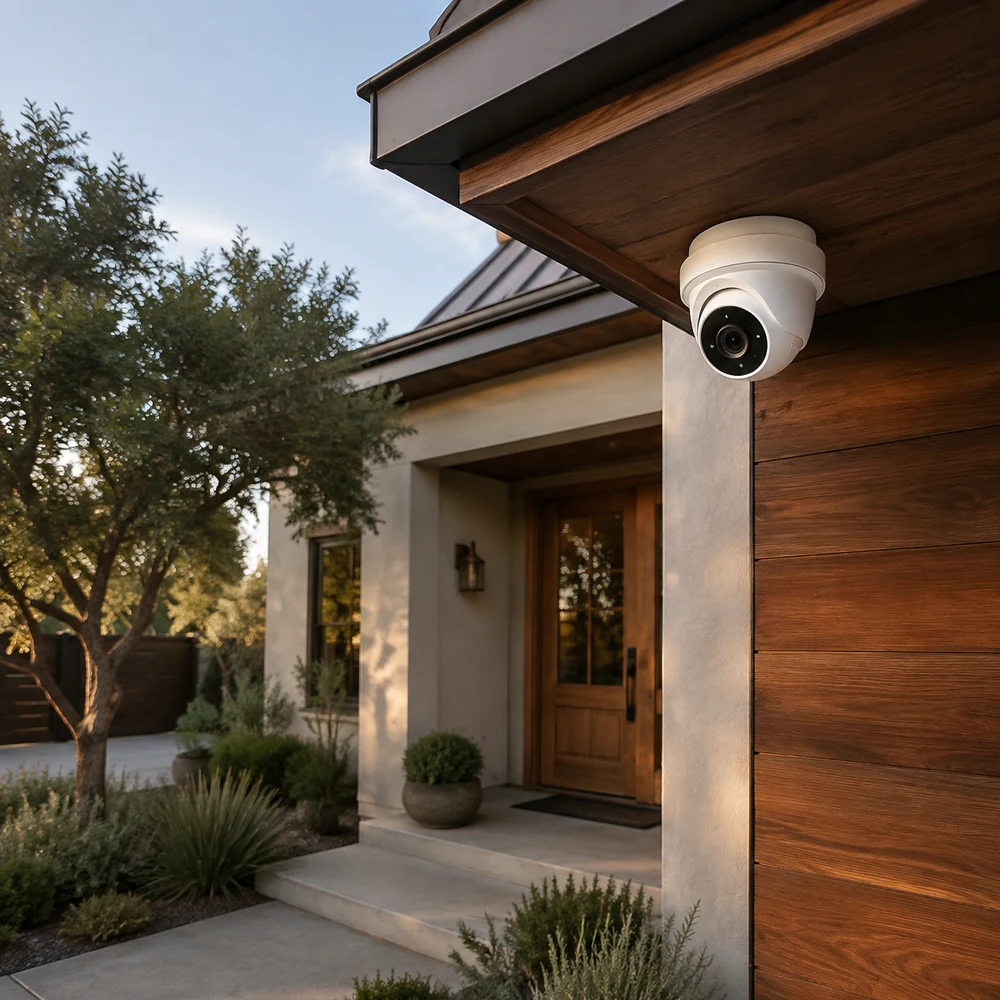
From historic downtown to a working property
In Petaluma’s historic downtown, a good mounting position must balance the entrance view with the building’s appearance. We review existing pathways and suitable mounting surfaces, and identify any landlord or finish-work coordination before installation.
At a riverfront business or a shop with a rear delivery area, one wide camera rarely answers every question. We distinguish the public entrance from stock access and service traffic, then plan the detail needed at each point.
For a home or ranch outside the downtown core, we map driveway approaches, side gates and outbuildings together. Clear sightlines, nighttime conditions and a dependable connection back to the recorder matter more than distributing cameras evenly around the property.
Connect the cameras, gate and wider property
A separate barn or garage may need its own network connection before cameras can be useful. We assess cable distance, existing conduit and power, then explain the cabling or building-link options in the scope.
When a project includes gate access or outdoor Wi-Fi, we coordinate the network design so cameras are part of a complete plan. Access control and Wi-Fi are scoped separately from the camera system rather than assumed to be included.
For an occupied home, we agree on access to attics, walls and outdoor mounting locations. For a business, we discuss the work sequence around deliveries and trading hours so staff know what to expect.
Planning a business system? See our commercial camera installation. For a home, explore residential UniFi Protect systems.
A recording system you can use day to day
UniFi Protect combines live views, recordings and supported event detections in one app. We demonstrate finding a vehicle arrival or delivery, saving a clip and inviting authorized viewers, so useful footage is easy to retrieve.
Nighttime camera choice depends on the scene. Equipped infrared models provide black-and-white night vision in darkness; suitable lighting and camera selection can support color detail where it matters. We review headlights, reflective surfaces and the distance to an entrance.
We start storage planning at a 30-day retention goal, then size the recorder and drives to your priorities. Continuous recording, detection settings, camera count and image quality all affect the capacity required.
Coordinate the foundation with Petaluma structured cabling and our other Petaluma services.
A UniFi project in Petaluma
Our Petaluma horse-ranch project brings together Wi-Fi, security cameras and gate access across the property. It shows why reliable building connections and careful network planning matter alongside camera selection.
What our clients say
Very easy to work with and great communication. Installed new cameras for us that work amazing and were installed very quickly with an easy system to navigate from your phone.
Google
I used Eric and his son years ago and they were superb at fixing my complicated and varied set-up. Two weeks ago, Devin did the same with our new issues. Like Eric, Devin was thorough, highly competent, generous with his time, patience and kindness. He followed thru to check on all services he had provided. He responded to all requests very quickly, even in off-hours. I recommend this team enthusiastically!
Google
Scheduling and working with this team was a breeze. It felt like a daunting task but it was clear that when you hire a professional team, you get professional results.
Google
Three guides for planning your camera system
Compare UniFi Protect, plan a home installation or review what to ask a commercial installer.

Why UniFi Protect: Quality Cameras, Clear Answers
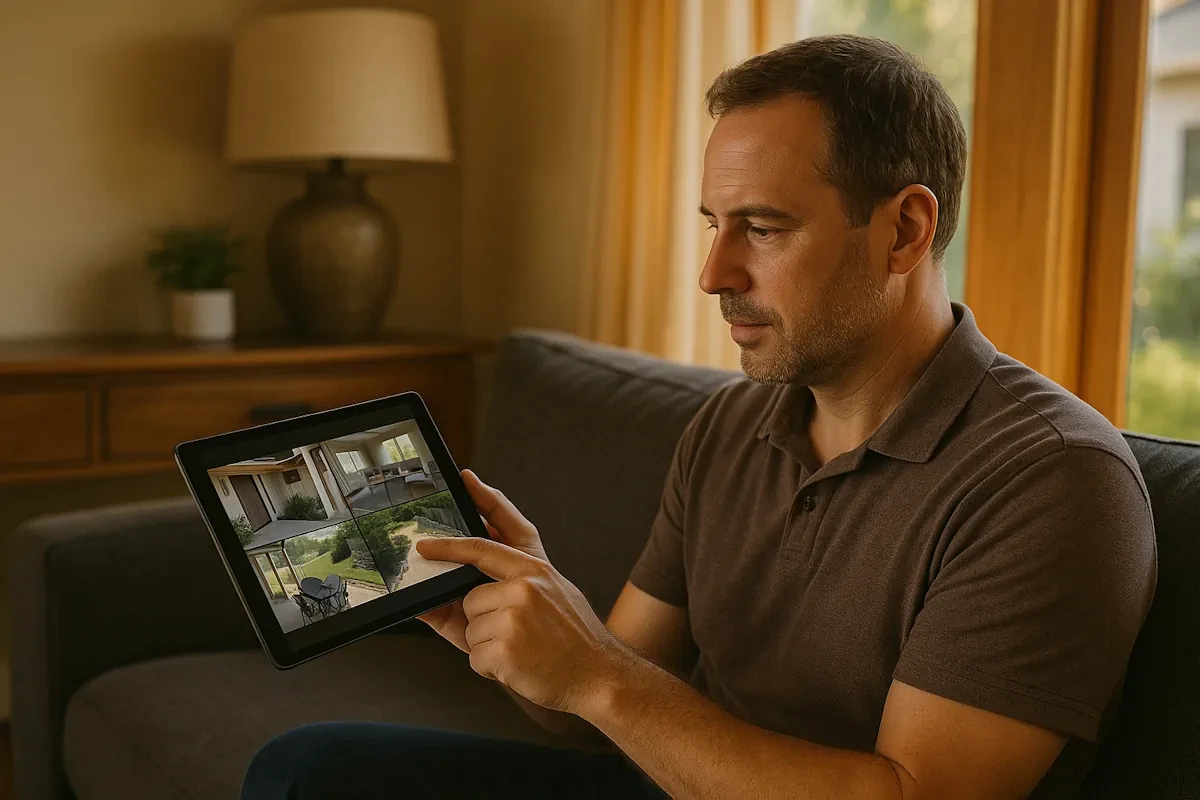
Home Security Camera Installation: A Homeowner’s Guide
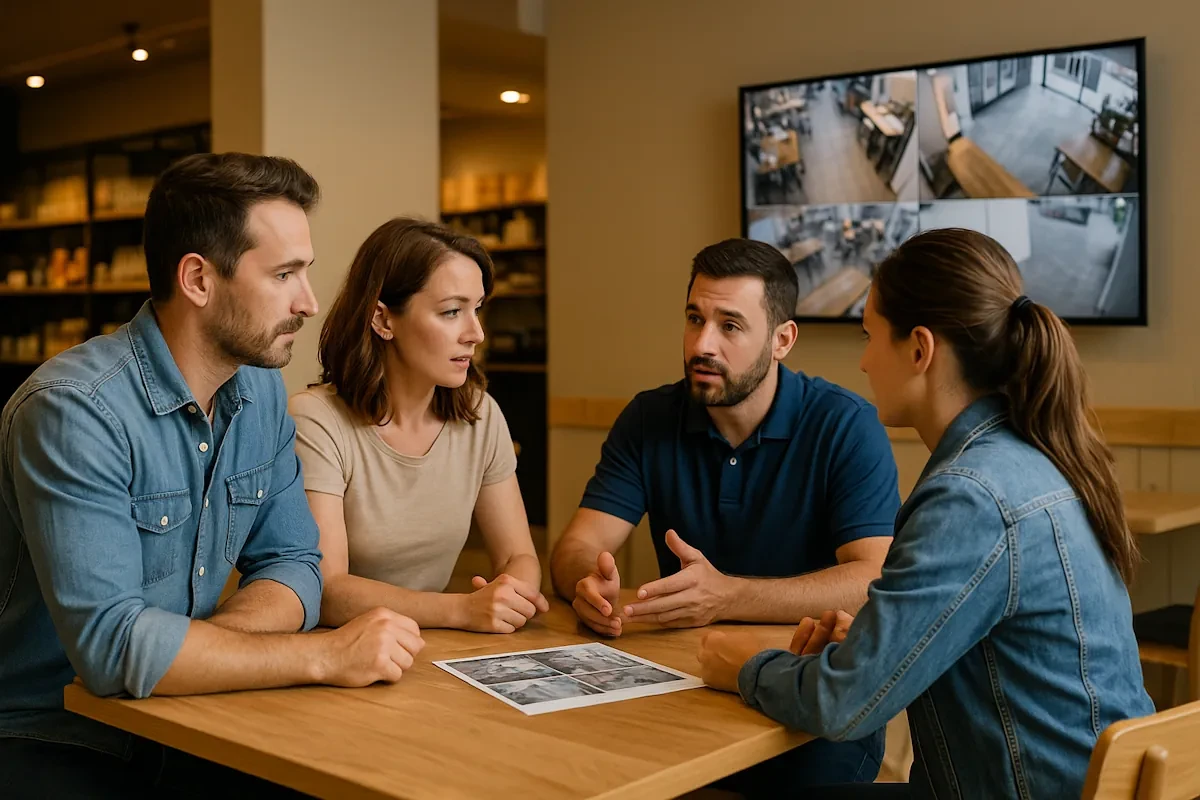
Choosing a Business Security Camera Installer: Buyer’s Guide
Petaluma camera installation questions
Do you have a Petaluma project showing cameras across several buildings?
Yes. Our published Petaluma horse-ranch case study covers a UniFi system combining Wi-Fi, security cameras and gate access. It is an example of coordinating the network across a property; your proposal is based on your own buildings and pathways.
Can you install cameras without untidy cable around the building?
We review concealed routes first and agree on protected surface routes where needed. The proposal identifies mounting access, cable pathways and any patching or finish work to coordinate separately.
Can you reuse an older Petaluma camera system?
We inspect the recorder, cameras, wiring and power before recommending a repair or upgrade. Compatibility varies by equipment; a staged replacement may make sense where existing components are serviceable.
What should we budget for installation?
Installation is typically $500–$1,000 per camera, depending on mounting access and cable routing. This is the installation allowance, not the complete system price. Cameras, recording storage, network upgrades and applicable tax are budgeted separately. We review the property and provide a scope before work begins.
Tell us about your Petaluma property
Send the address, property type, the areas you want to see and any existing camera details. Photos of the entrances and current recorder help us prepare for the conversation.
Clear serves Petaluma from our Santa Rosa headquarters. We arrange scheduled work at your property.