
Security Camera Installation in Marin County
See what matters at your property, find the right recording and check in from your phone. Clear Telecommunications installs UniFi Protect security cameras for Marin County businesses, managed properties and homes, with local support from our San Rafael office.
San Rafael office: (415) 612-3144
Camera Coverage Planned Around Your Marin Property
A good camera system starts with the view you need—not simply the number of cameras. During a site walk, we review entrances, parking areas, deliveries, shared spaces and any locations you want to see more clearly.
We consider lighting, viewing distance, mounting points, cable routes and privacy before recommending equipment. For hillside homes, coastal properties and multi-building sites, we plan around the actual conditions at each camera location.
Our work includes camera placement, organized cabling, recorder setup and a walkthrough of the UniFi Protect app. We show you how to view live video, find recorded events, export a clip and manage access.
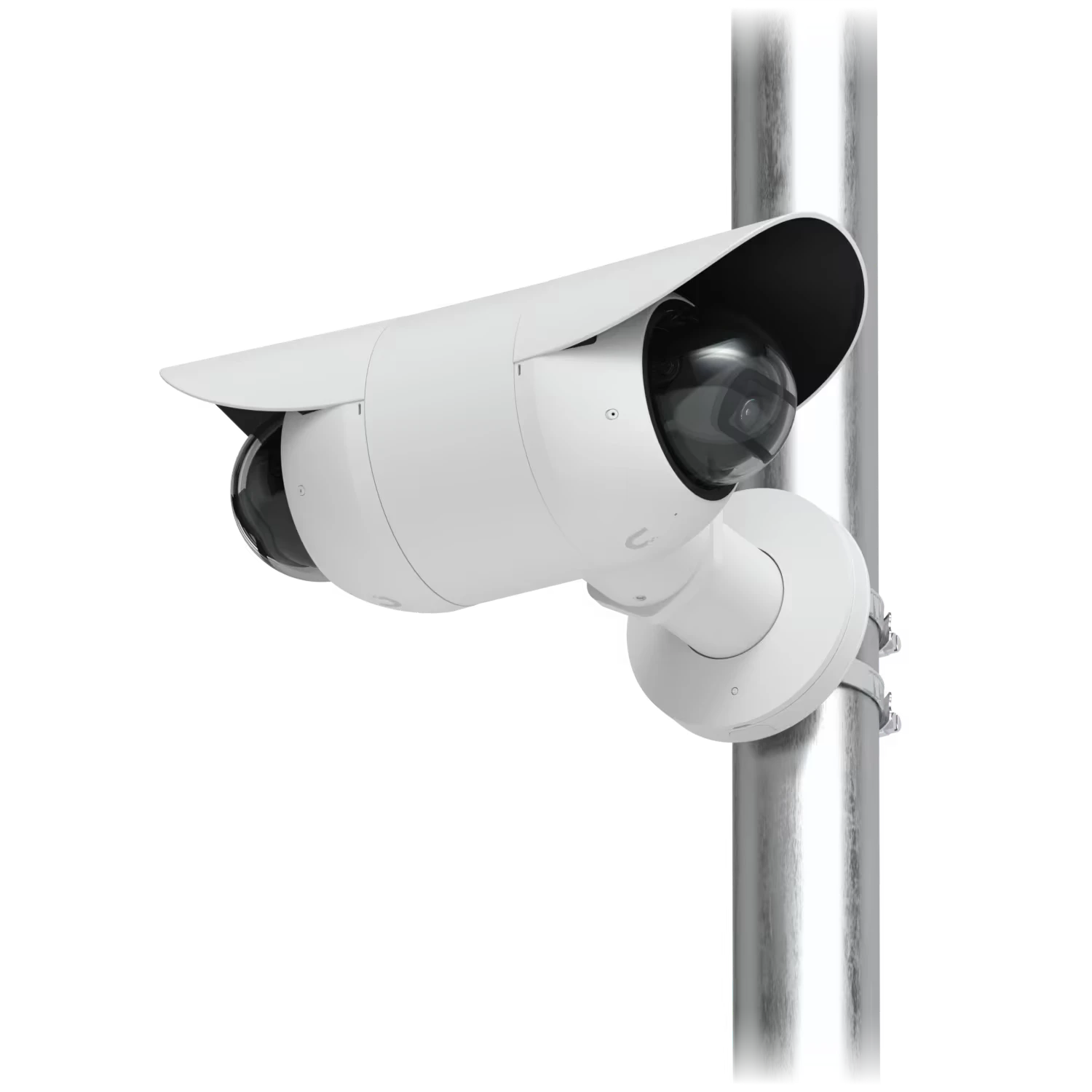
Your Local Marin Team in San Rafael
Our San Rafael office supports camera installation and service throughout Marin County. You work with a local team for coverage planning, installation, setup and questions after the system is in place.
Call or text to discuss your property and arrange an on-site visit. Please contact us to schedule service; the office is not a walk-in showroom.
851 Irwin St, Suite 222San Rafael, CA 94901
View San Rafael on Google Maps
Call or text (415) 612-3144Marin County Cities and Towns We Serve
From our San Rafael office, we provide security camera installation throughout Marin County, including these ten cities and towns:
- San Rafael
- Novato
- Mill Valley
- Larkspur
- San Anselmo
- Corte Madera
- Tiburon
- Fairfax
- Sausalito
- Ross
Local Conditions Shape the Camera Plan
A downtown storefront, a wooded hillside home and a shared community entrance need different camera views. We review the actual property rather than choosing equipment from a city name or a standard package.
For commercial sites, we discuss customer entrances, deliveries, shared parking, viewing permissions and when installation can take place. For older buildings, we look for discreet mounting positions and usable cable routes. On hillside and tree-covered properties, we check changes in elevation, vegetation, nighttime lighting and the distance to gates or outbuildings.
These are planning considerations, not assumptions about every property in a town. A site walk gives us the information needed to recommend useful views, dependable recording and a system you can use confidently.
Security Cameras for Businesses, Communities and Homes
Whether you manage an office, retail property, condominium community or larger home, we design coverage around how the property is used. We coordinate the installation with your on-site contact and discuss access and working hours before work begins.
- Businesses: entrances, parking areas, stockrooms, loading areas and shared workspaces.
- HOAs and managed properties: common-area coverage, viewing permissions and recording storage planned with the property manager.
- Homes: front entries, driveways, side gates, garages and outbuildings, with thoughtful placement around neighboring properties.
- Larger sites: network connections, recording capacity and room for additional cameras where it makes sense.
Have existing cameras or wiring? We review what can be reused and what needs updating before recommending the next step.
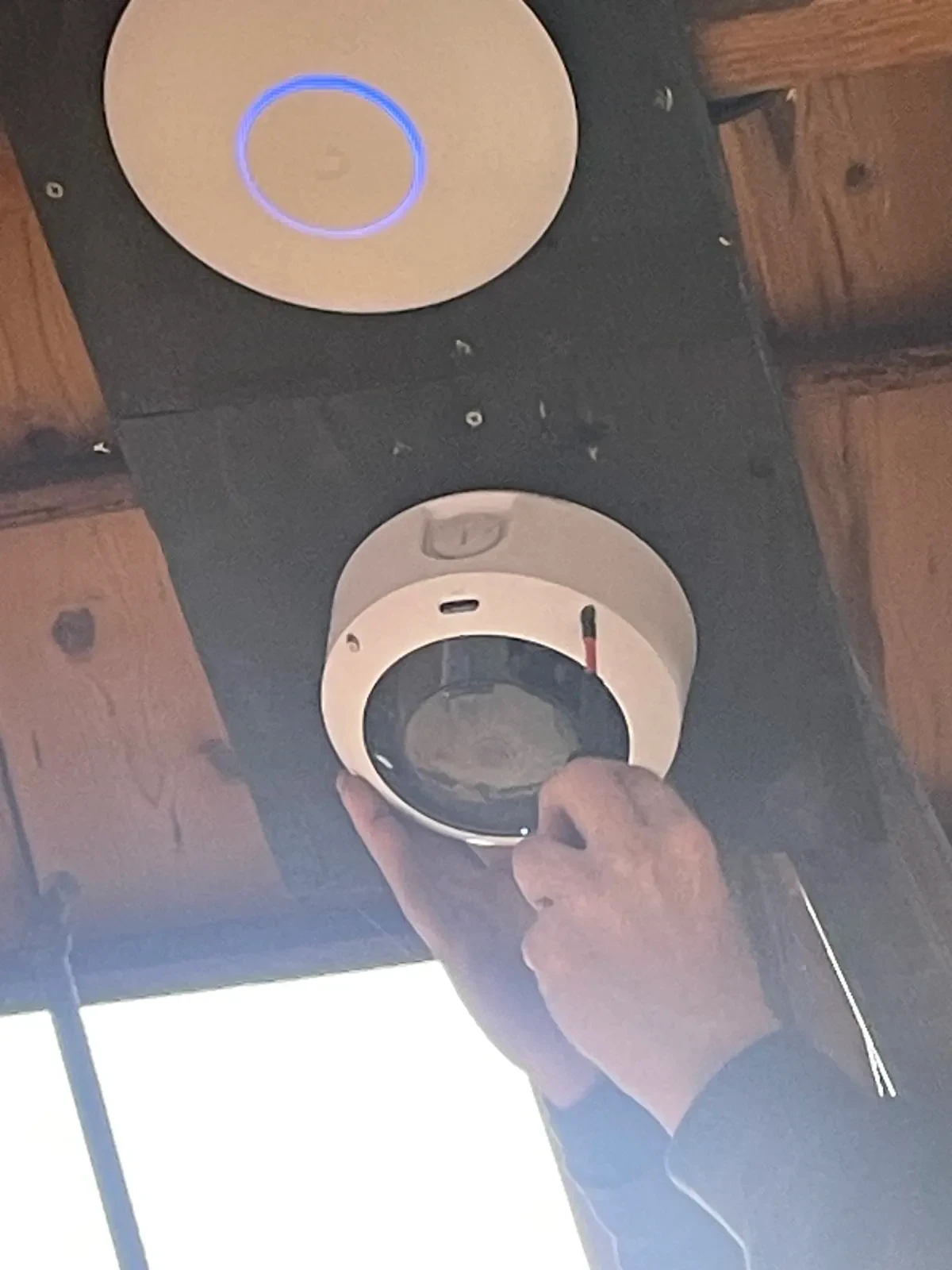
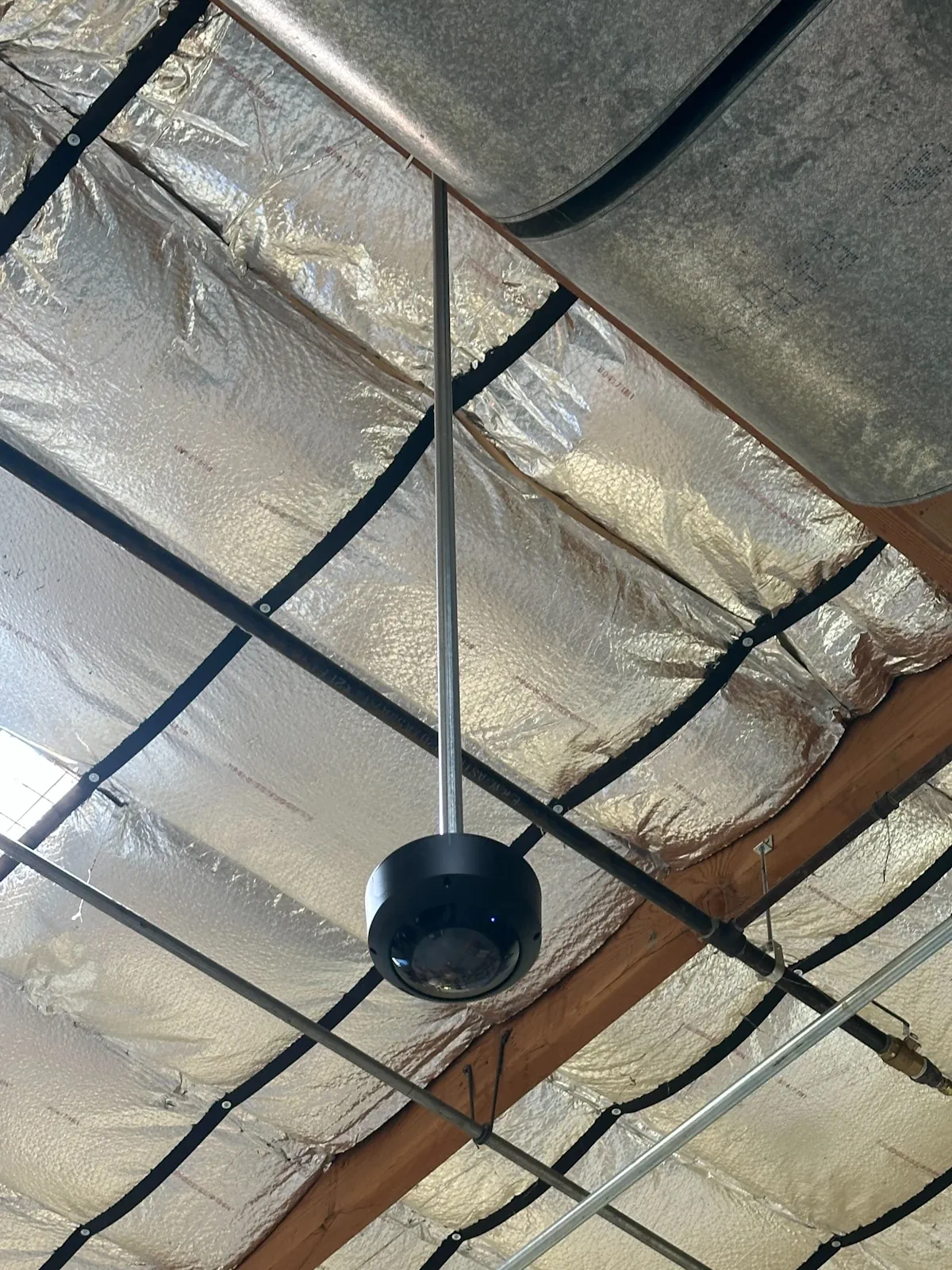
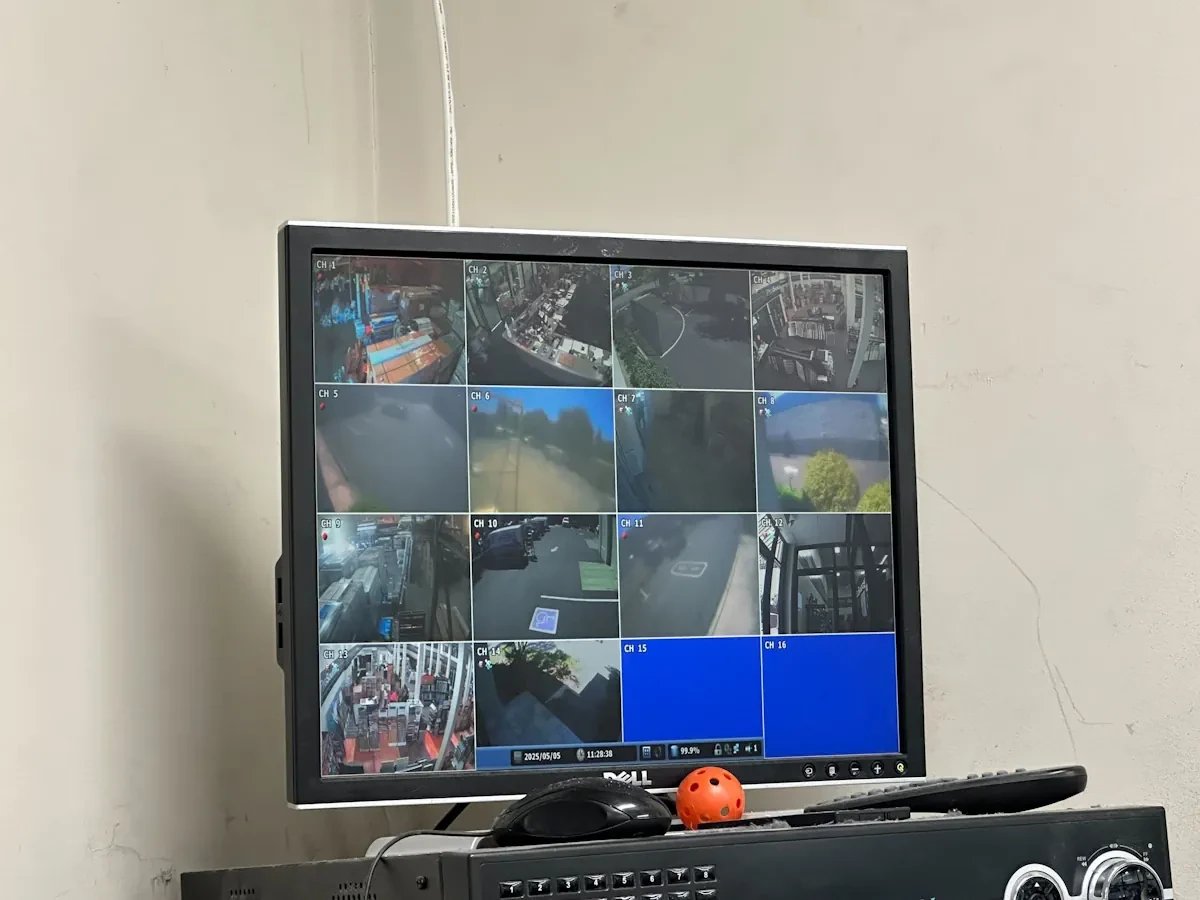
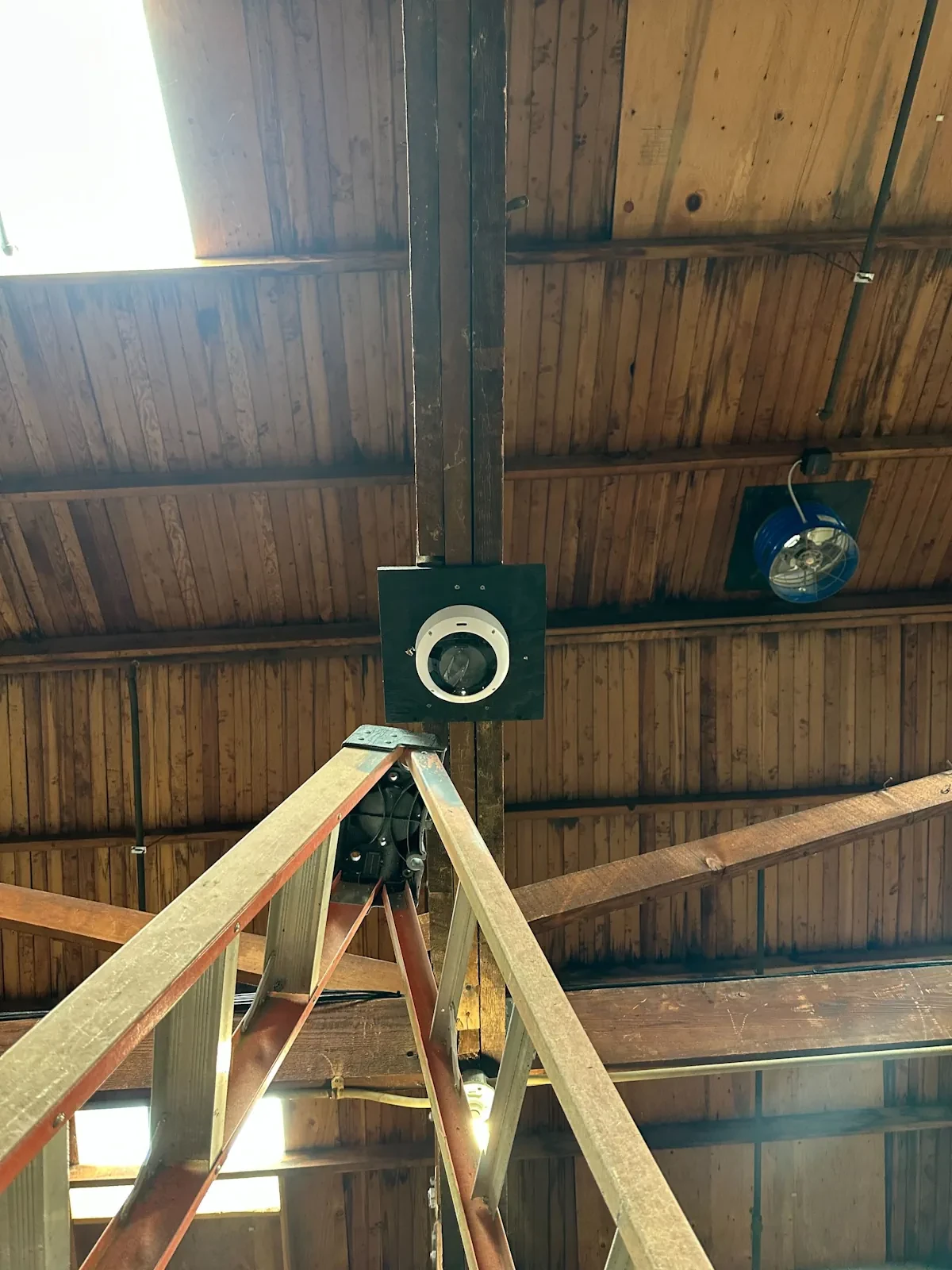
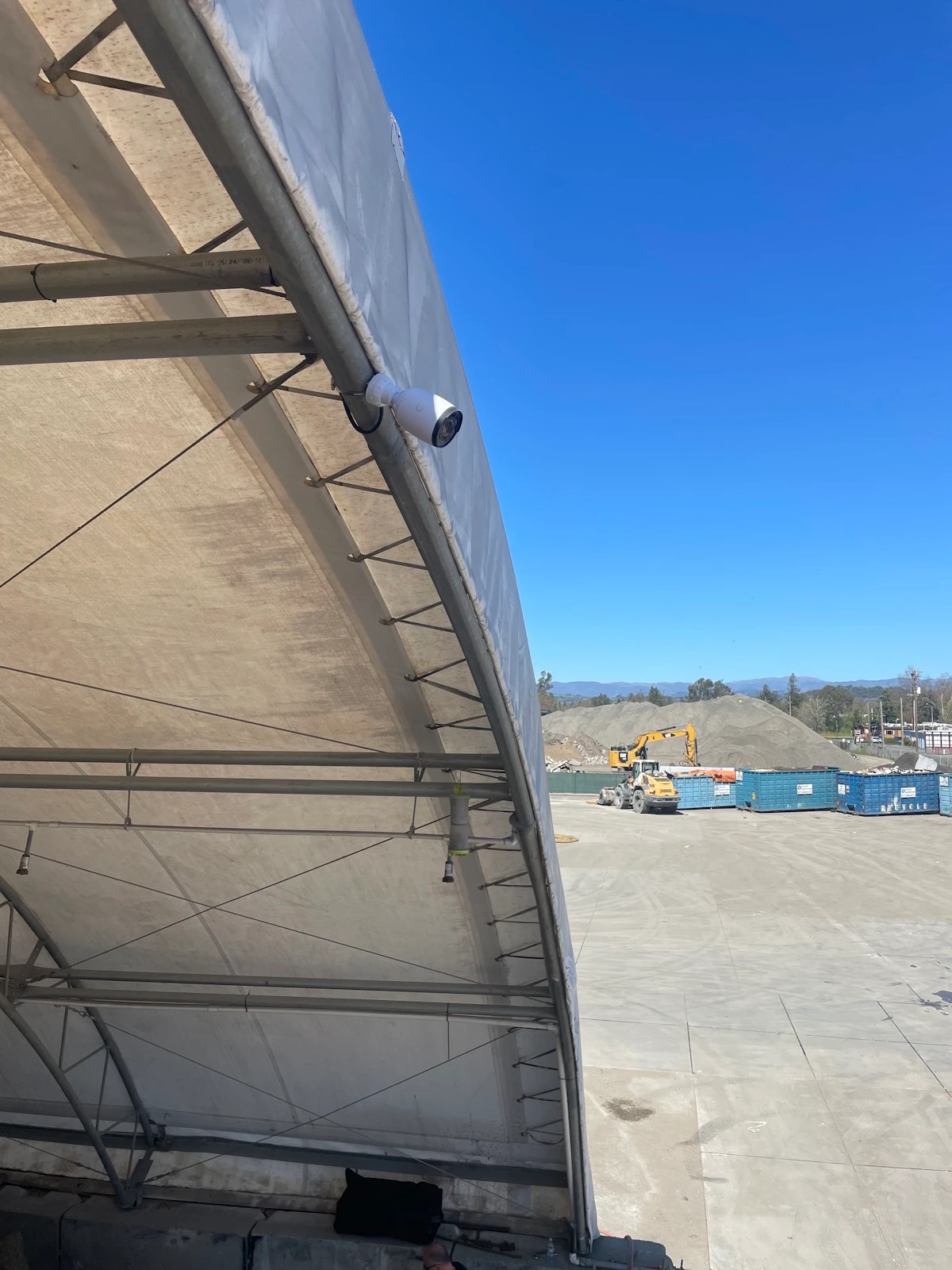
Why UniFi Protect: Clear Video and an App You’ll Actually Use
We recommend UniFi Protect for its camera quality, useful event tools and straightforward viewing experience. The goal is a system you can use confidently, whether you are checking a delivery, reviewing an incident or looking after a property from another location.
- Camera quality: resolution, lens and low-light capabilities matched to the view you need. 4K models are available where the additional detail makes sense.
- Remote app experience: live views, recorded events and clip exports through UniFi Protect on your phone or computer.
- Event identification: supported cameras can detect people and vehicles so you can find relevant recordings more quickly.
- Useful alerts: Alarm Manager lets us configure notifications around selected cameras, events and schedules, instead of treating every movement the same.
- Local recording: footage is stored on your UniFi recorder, with storage capacity planned around camera count, recording settings and retention needs.
- Ease of use: we set up authorized users and walk you through the controls you will use most often.
Detection and recognition features depend on the camera, recording equipment and software selected. Camera positioning and lighting affect results. Remote viewing and mobile alerts require a working internet connection and correctly configured access and notification settings.
Read our Why UniFi Protect guide
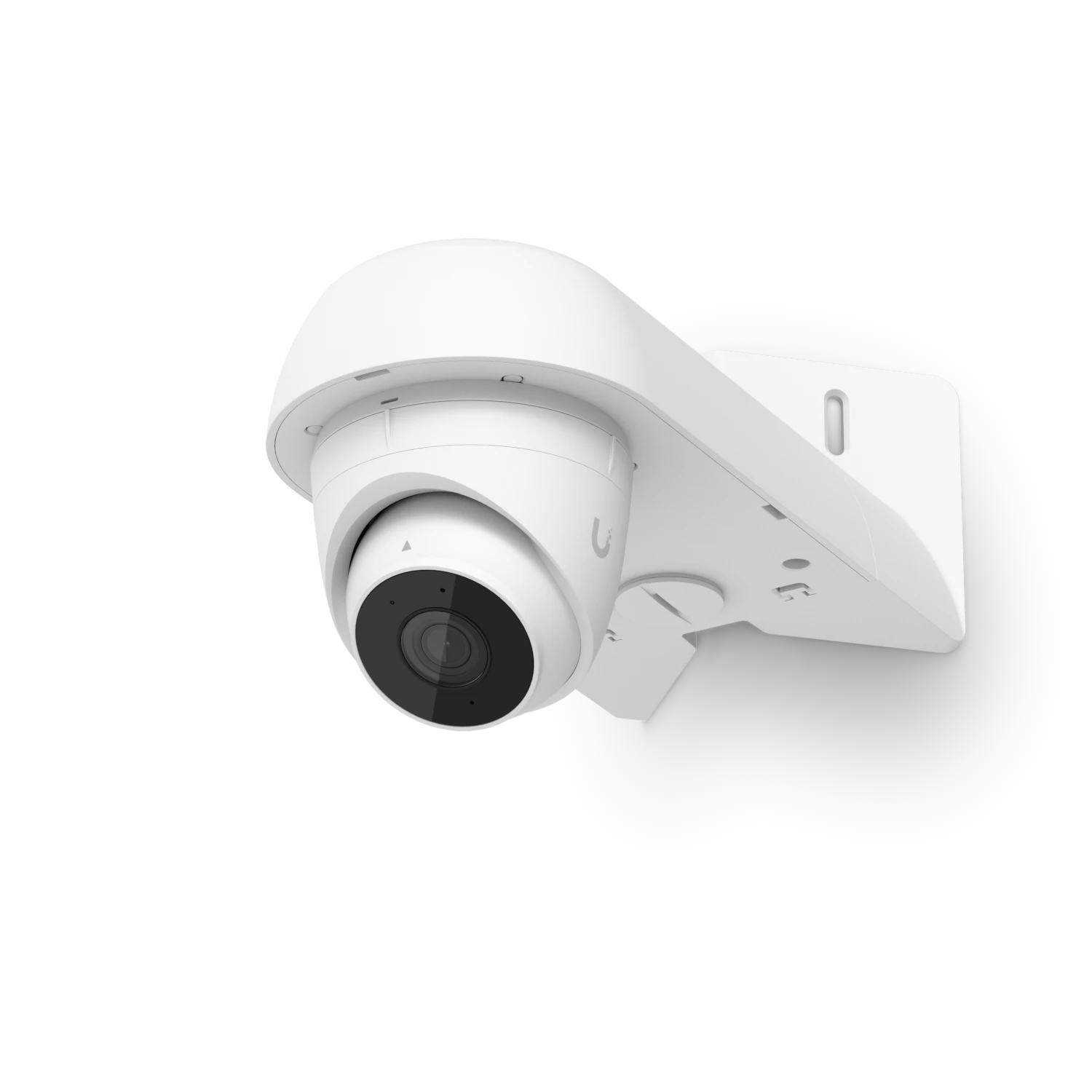
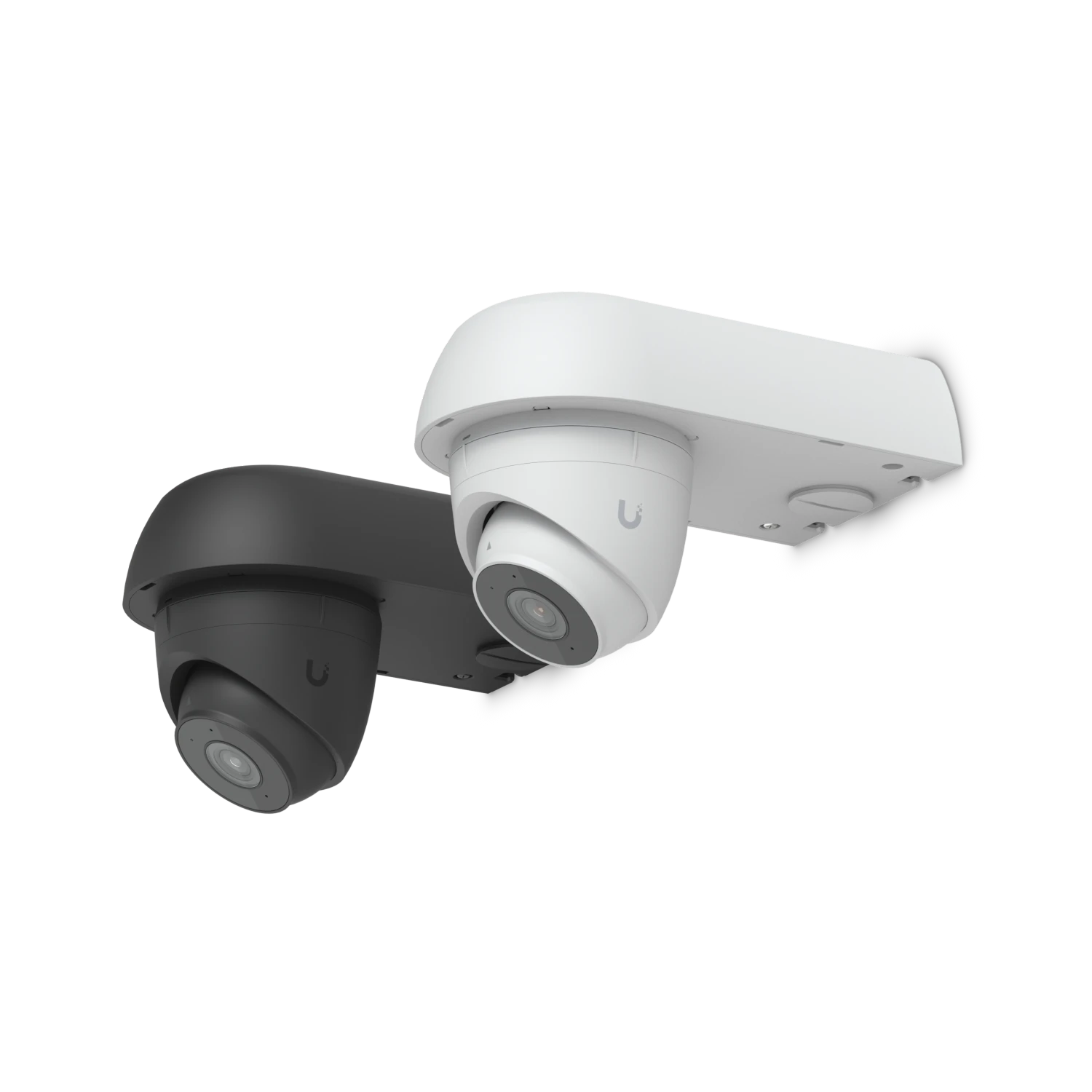
CCTV & Security Camera Installation Case Studies
Explore camera installations and system repairs completed by our North Bay team. These examples show our approach to coverage, cabling and system setup; their locations are identified in each project story.
What our clients say
Very easy to work with and great communication. Installed new cameras for us that work amazing and were installed very quickly with an easy system to navigate from your phone.
Google
I used Eric and his son years ago and they were superb at fixing my complicated and varied set-up. Two weeks ago, Devin did the same with our new issues. Like Eric, Devin was thorough, highly competent, generous with his time, patience and kindness. He followed thru to check on all services he had provided. He responded to all requests very quickly, even in off-hours. I recommend this team enthusiastically!
Google
Scheduling and working with this team was a breeze. It felt like a daunting task but it was clear that when you hire a professional team, you get professional results.
Google
Curious About Security Cameras and CCTV?
Three practical guides to choosing a camera system and planning a home or business installation.

Why UniFi Protect: Quality Cameras, Clear Answers
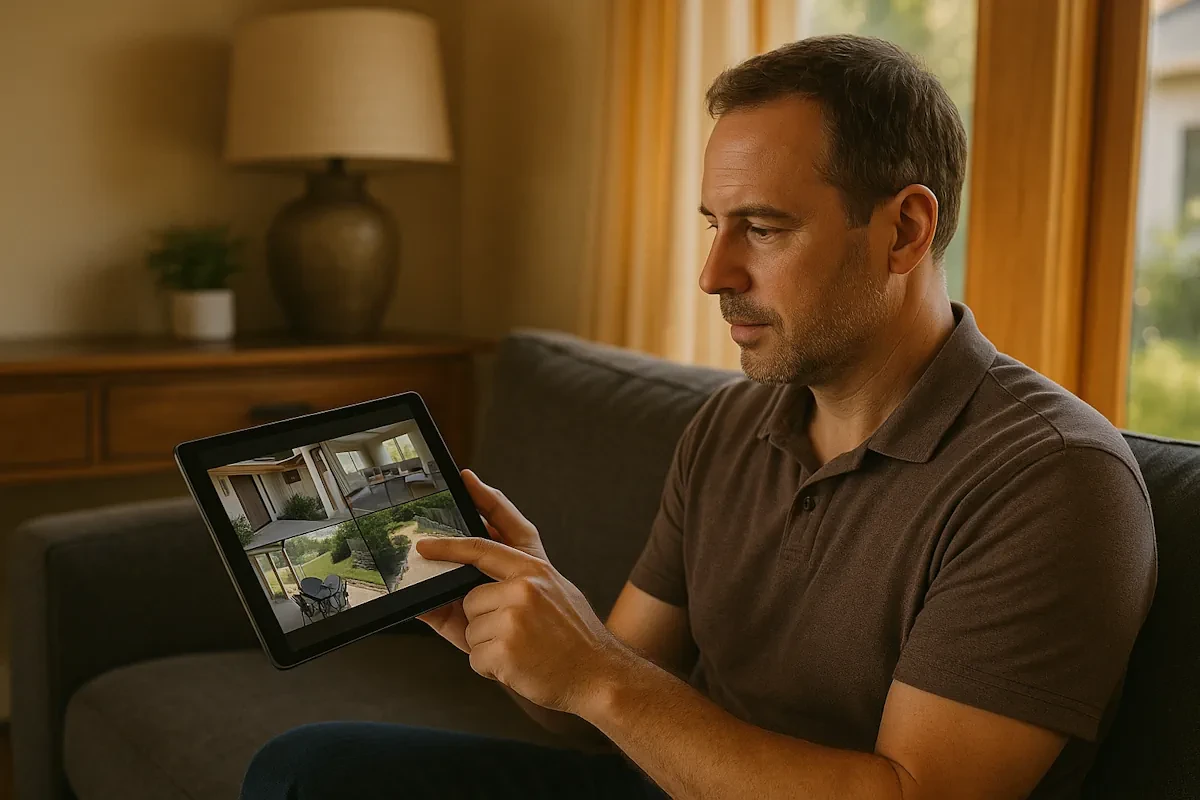
Home Security Camera Installation: A Homeowner’s Guide
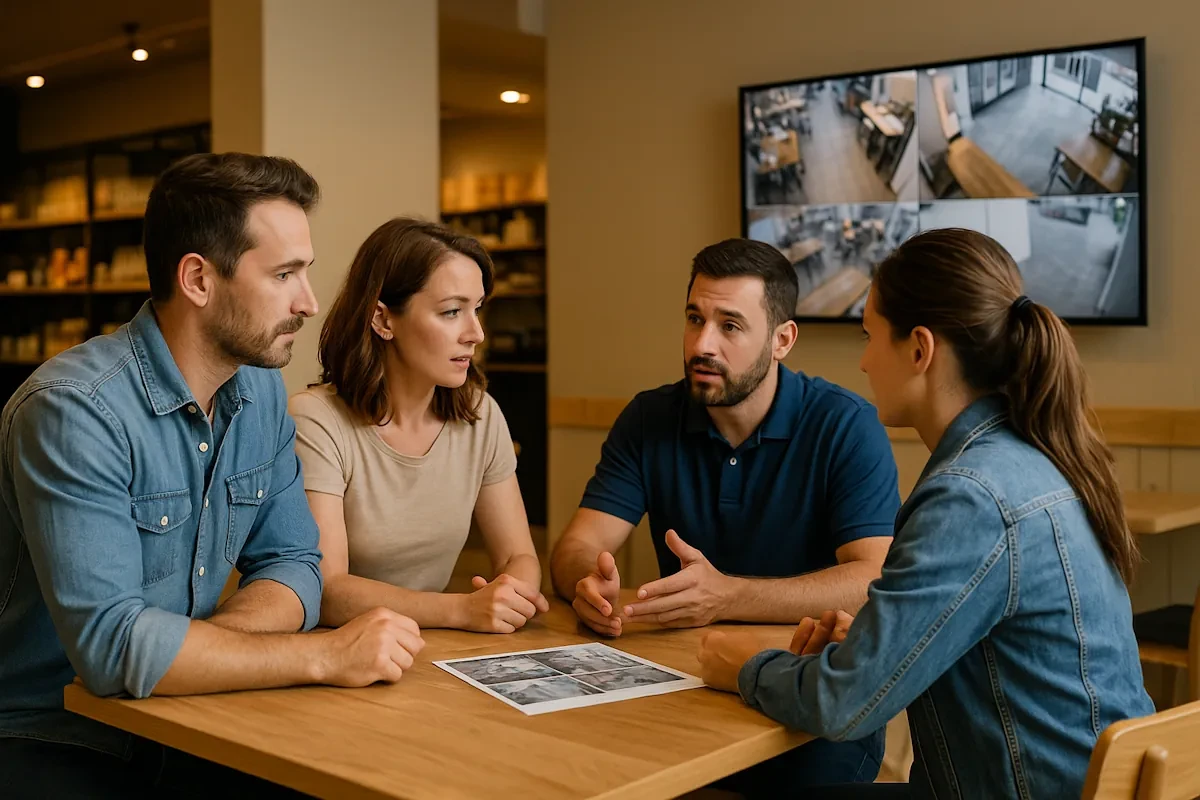
Choosing a Business Security Camera Installer: Buyer’s Guide
Plan Your Marin County Camera Installation
Local San Rafael Installation
Our Irwin St office supports on-site work in San Rafael and throughout Marin County. Explore the relevant local service and contact our team to discuss your property.